How to Enter a Competition
Summary
There are 2 ways to join a competition. You can either click the direct link published by your club or organisaion admin OR if you are already signed-up to VIE then simply choose the competition you wish to join.
Join via link
Your club admin can publish a link either via email, whatsapp or any other secure social media platform.
Click the link
Click the link on a mobile or PC and follow instructions.
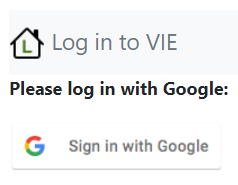
Log in/Sign-up to the application
You will need to authenticate with Google, follow the on screen sign-up process.
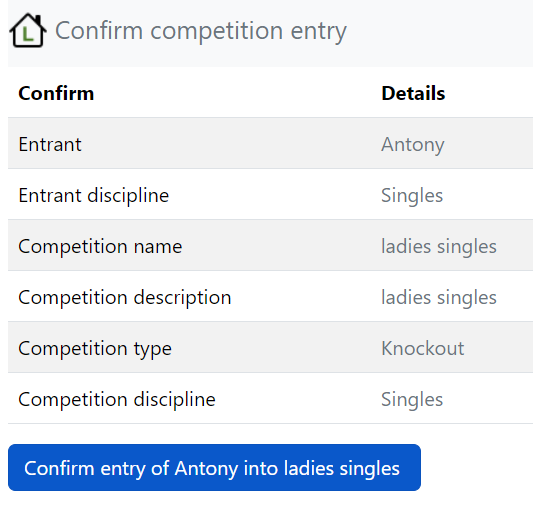
Confirm competition entry
At the confirm page, check the details and press the confirm button.
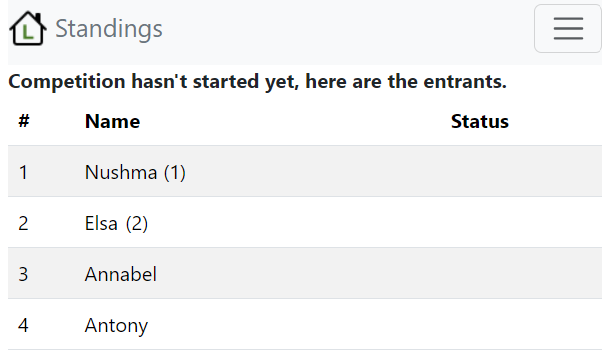
Standing screen
You will then be shown the competition standings screen.
Join via home page

Upcoming competitions
If you already have access to the VIE then simply navigate to the home page and click the join button in the Upcoming competitions/Enter competitions section:

Confirm competition entry
At the confirm page, check the details and press the confirm button.