How to Navigate General
Goto home screen
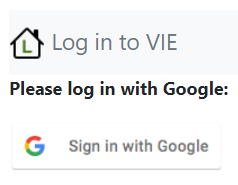
Click link to vie:

Authenticate with google:
Home screen - navigation
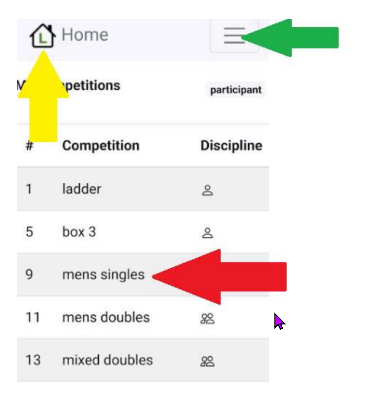
From the home screen you can navigate to all your competitions, see your fixtures and also see results you might be interested in. See below how to navigate around:
- Back to home, click the house icon (yellow arrow)
- Navigation options, click the burger menu (green arrow)
- To select a competition click the row (red arrow)
Navigation menu - navigation
View navigation menu
First click on the home button:
Navigation menu
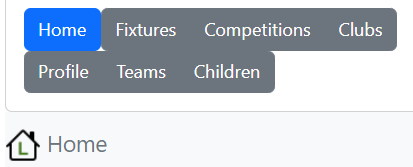
Click on one of the options:
- Home - to go back to home page
- Fixtures - to see all your fixtures
- Competitions - to see all competitions you are signed-up to
- Clubs - to see all your clubs and organisations
- Profile - to see personal data, options to sign-out and options to delete all personal data
- Teams - to see all your teams including doubles
- Children - to see all your dependents